
Applies to
CommBox Classic S5 running Huntsman firmware or later.
Step-by-step instructions
Step 1: Open Posters
Open Posters from the Launcher or a shortcut on your home screen or side menu.
Step 2: Filter by category
Use the category filter to narrow the poster library to the type of content you need.
Step 3: Add a favourite
Open or locate a poster you use regularly, then click on the star to make this poster a "favourite". Posters that have been marked as a "favourite" will appear at the top of your list when you open the posters app.
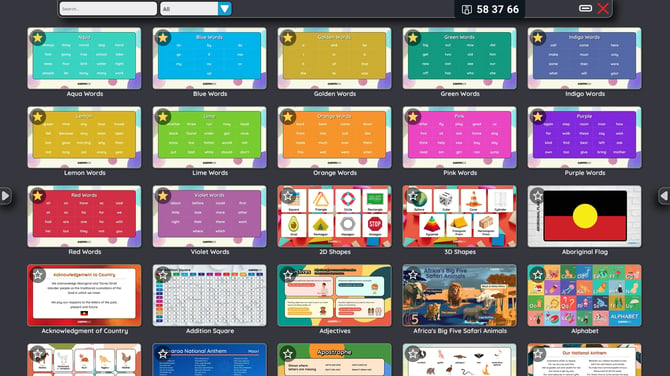
Step 4: Remove a favourite
Select the star again to remove the poster from your favourites.
Troubleshooting
If favourites or categories are not available, update the screen to Huntsman firmware or later and install any available CommBox app updates.